Speech to text in seven languages, on your own computer
Deixis types what you say in seven languages: English, German, Dutch, French, Italian, Spanish and
Portuguese. You choose the language, hold Ctrl+Win on Windows or Ctrl+Option on a Mac, speak,
and let go, and the text lands at the cursor in whatever app you were already in. The speech
recognition runs on your own computer, so after a one-time download it works with the internet off,
and it is free, with no account.
Free, with no account and no sign-in.
This page says what we measured in each language and how, where Deixis runs, and how that compares with what Windows 11 voice typing, Wispr Flow and Superwhisper say about their own languages. Each language has a page of its own, linked below, for the reader who only cares about one.
The seven languages, and how well each one does
We measured every language on the same test before offering it, and we publish the results. "Words wrong" is the share of words the engine got wrong on 80 sentences read aloud, taken from Google's FLEURS dataset; the time is the median it took to decode one of them on the processor of a 12-core desktop PC running Windows. The method, in full, is on the evidence page.
| Language | Words wrong | Median decode | Engine |
|---|---|---|---|
| English | 6.0% | 0.58 s | Whisper small.en |
| German | 7.4% | 0.39 s | Parakeet v3 |
| Dutch | 9.2% | 0.31 s | Parakeet v3 |
| French | 9.2% | 0.44 s | Parakeet v3 |
| Italian | 3.4% | 0.48 s | Parakeet v3 |
| Spanish (Latin American) | 3.1% | 0.48 s | Parakeet v3 |
| Portuguese (Brazilian) | 5.6% | 0.41 s | Parakeet v3 |
Three things to read into those numbers, and one not to. The Spanish figure is Latin American Spanish and the Portuguese figure is Brazilian Portuguese, because those are the dataset's splits; no regional accent was measured, so nothing here speaks for Spain's Spanish, European Portuguese, Swiss German, Flemish, or Quebec and Belgian French. The sentences were read aloud, which is easier than the way most people dictate. And the times are for one fast desktop; a laptop is slower. What not to read into them is a comparison with other apps: they measure Deixis's engines, and the evidence page compares them with the Whisper model Deixis used before.
A language is offered only when an engine gets fewer than one word in ten wrong on this test. We measured Afrikaans, Zulu and Xhosa as well, and none came close, so they are not offered.
One page per language, with what Windows and others offer in it:
- German speech to text: 7.4% words wrong.
- Dutch speech to text: 9.2%.
- French speech to text: 9.2%.
- Italian speech to text: 3.4%.
- Spanish speech to text: 3.1%, Latin American Spanish.
- Portuguese speech to text: 5.6%, Brazilian Portuguese.
How the languages work in Deixis
You choose the language, one at a time. The first time Deixis runs, it proposes the language your computer's display is set to, and you can change it in settings whenever you like. It does not detect the language from your voice, and dictating in two languages inside one sentence was not measured, so we make no claim for it.
Two engines, both on your computer. English uses Whisper, as it always has. The other six use NVIDIA's Parakeet v3, a speech model that runs on your own processor. The first time you pick one of the six, Deixis downloads it once, about 670 MB. After that, dictation in that language works with the Wi-Fi off, and once the speech model is on it, the audio of a dictation never leaves the machine, under any setting.
What 1.6 promises in the six new languages is push-to-talk. Hold the chord, speak, let go, and the text is typed at the cursor in any app that takes text, with your clipboard handed back the way you left it. That is the part we have measured and checked, and it is what these pages claim.
The polish around it is tuned for English. Cleanup, which tidies a sentence after it is recognised; the dictionary, where you teach Deixis your own words; the five vocabulary packs, which are English word lists; and the punctuation Deixis adjusts to the field you are typing into: all four are built for English, and we do not claim they work in the other languages. Parakeet also hears your dictionary words only by their sound, so unusual names come out right less often than they do with Whisper in English.
Where it runs
Deixis 1.6 dictates in all seven languages on two platforms:
- Windows 10 and 11, 64-bit, on a processor with AVX2: Intel Haswell or AMD Excavator, 2013 and
later. On an older processor it stops with an error rather than running slowly. The chord is
Ctrl+Win. - macOS 13 or later on Apple silicon. The chord is
Ctrl+Option.
Android follows later, and we do not give a date for it. The figures on this page were measured on Windows, and none of them were measured on a Mac.
Windows 11 voice typing languages
Windows 11 has voice typing built in: press Win+H in a text box. Microsoft's support page, read on
4 November 2026, lists 46 languages for it, among them German, Dutch, French, Italian, Spanish (Spain
and Mexico) and Portuguese (Brazil and Portugal). The same page says voice typing uses online speech
recognition powered by Azure Speech services and that you need to be connected to the internet. No
Microsoft page we read says it works offline in any language. The one on-device exception on that
page is fluid dictation, a Copilot+ PC feature for English only.
Windows has a second, offline option, and it deserves the credit. Voice access, on Windows 11 22H2 and later, recognises speech on the PC after a one-time language download. Its set-up page lists English, Spanish (Spain and Mexico), German, French (France and Canada), Italian, Chinese and Japanese. It has no Dutch and no Portuguese. It is built for controlling the computer by voice, with dictation as part of that, and it is free. The older Windows Speech Recognition is deprecated: Microsoft says voice access replaced it on Windows 11 22H2 and later in September 2024, and its languages were English, French, German, Japanese, Chinese and Spanish.
Windows voice typing compared with Deixis goes through the rest.
Wispr Flow, Superwhisper and others
Wispr Flow. Our facts file on Wispr Flow, checked on 7 October 2026, records no language list, so we do not print one here; its own help pages are the place to read it. What its pages do say is that every dictation is transcribed in its cloud and that an account is required, so in whatever language you speak, the audio leaves your computer. Wispr Flow compared with Deixis.
Superwhisper. Our facts file records no language list for it either. Its own pages, read on 27 September 2026, say the free plan runs on local Whisper models, and that its Parakeet models and its cloud voice models are part of Pro. Superwhisper compared with Deixis.
Murmure, a free, open-source app, runs a tuned version of Parakeet v3, the same model family Deixis 1.6 uses, on Windows, Mac and Linux. By its own pages, read on 4 November 2026, it covers 25 European languages and detects the language from your voice. If you need Linux or automatic language detection, it is a fair choice.
Apple Dictation on the Mac recognises German, Dutch, French, Italian, Spanish and Brazilian Portuguese on the device once the speech model is downloaded, per Apple's feature-availability page (4 November 2026); European Portuguese is not on that list. Apple Dictation compared with Deixis.
Free, and where free stops
Dictation is free in every language, forever, with no account and no trial clock: everything that runs on your own computer is free. What can cost money is the part that needs a language model: cleanup by a model rather than by rules, translating a selection, and meeting notes. Those are free with your own provider key or a model on your own machine; otherwise Deixis Pro runs them for you, at $49 a year or $10 a month. Sharing a file as a link needs a Deixis account.
What you get
More than dictation. One key, and everything behind it.
Hold the key and press a letter: free mode, a grab, a meeting, a recording, a translation, your own buttons. All of it on your own device, all of it free, none of it behind an account.
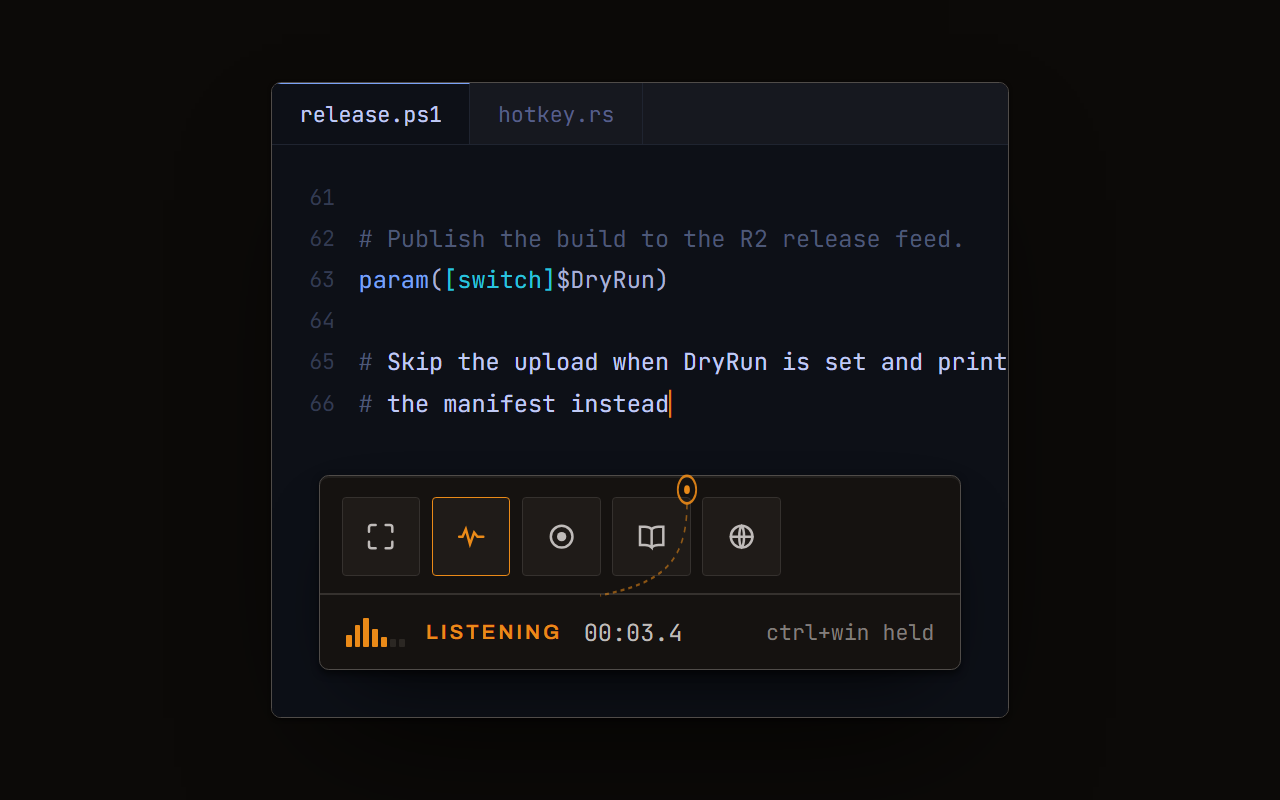
Dictation, where your cursor is
Hold a key, speak, release. Clean, punctuated text lands in whatever has focus, on your PC, your Mac and your phone, with your clipboard handed back.
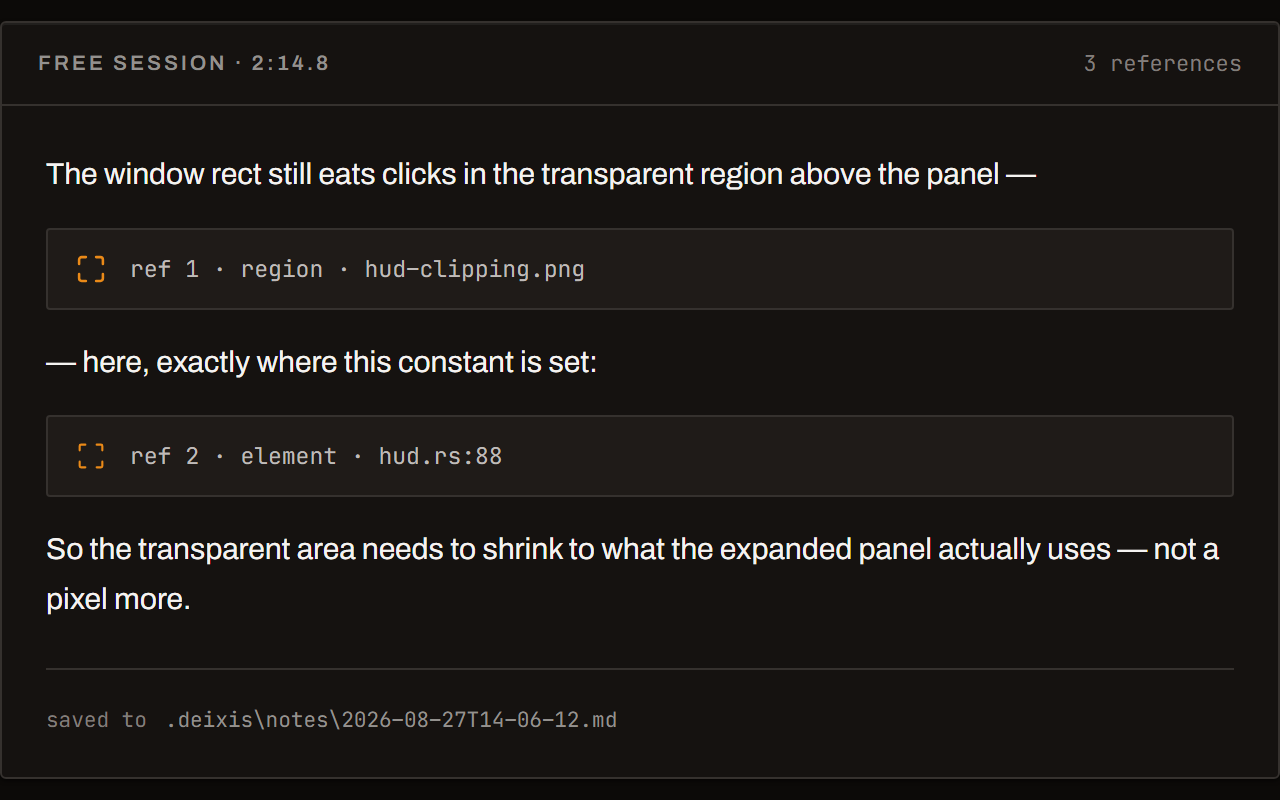
Free mode: talk and point
Narrate for as long as you like while you grab a region, pick a button on screen or take a selection. One note, what you said interleaved with what you pointed at, pasted where you finish and saved as Markdown.
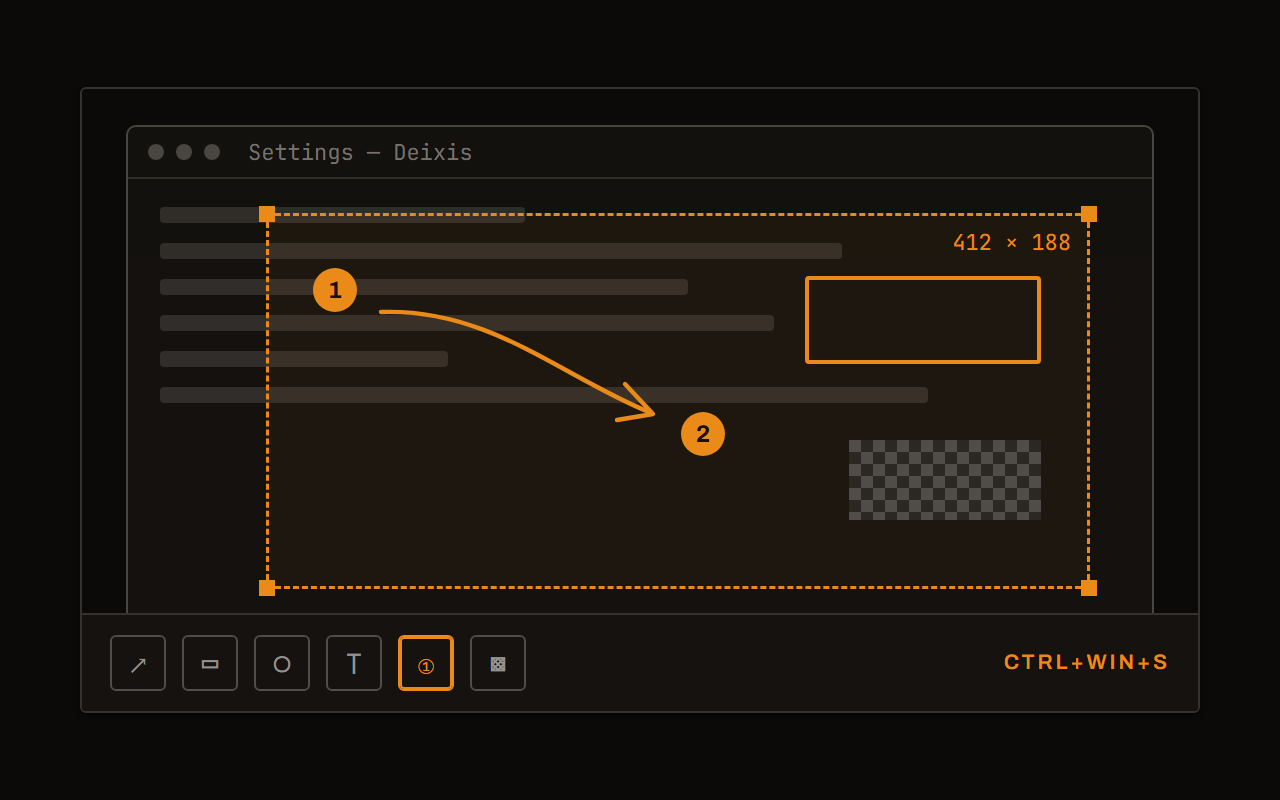
Screen grabs, annotated
Freeze every screen at the keypress, drag a region, add arrows, boxes, text and numbered steps, and pixelate what is private. Saved as a PNG that stays editable.
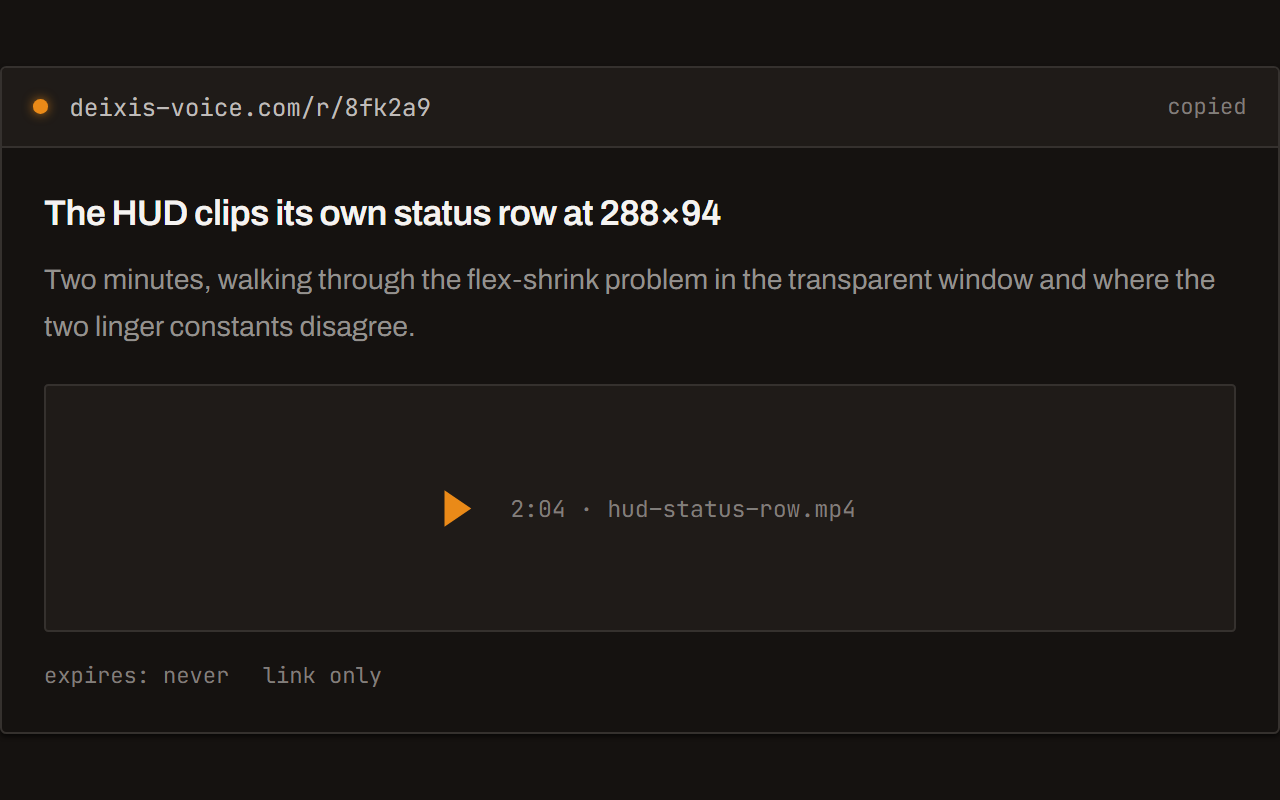
Screen recording, shared as a link
Record the screen with your narration. The recording writes itself up with a title, chapters and a summary, and from your Deixis account it shares as a link anyone can open without one. The Loom you can stop paying for.
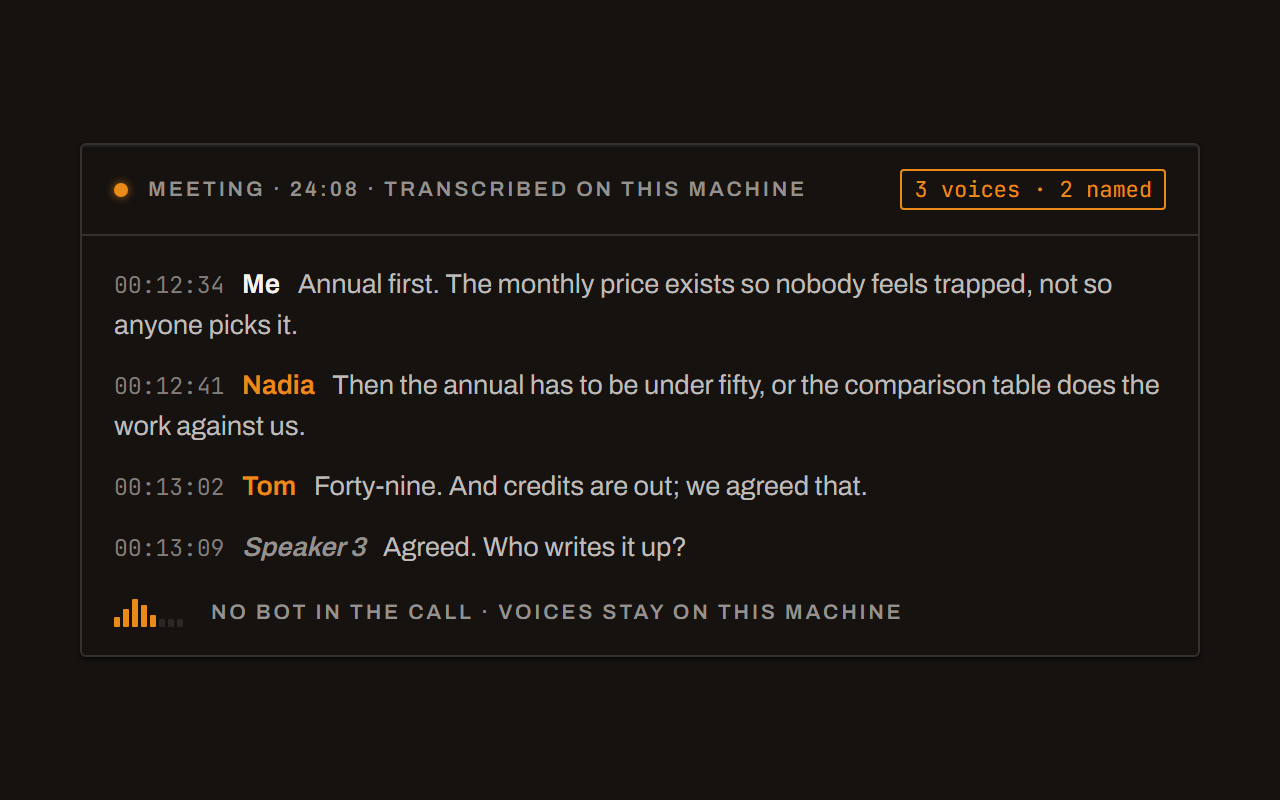
Meetings, no bot, names included
Your microphone and the other side, transcribed on your machine while the call runs. Deixis tells the voices apart and remembers the ones you name, and never uploads a voice.
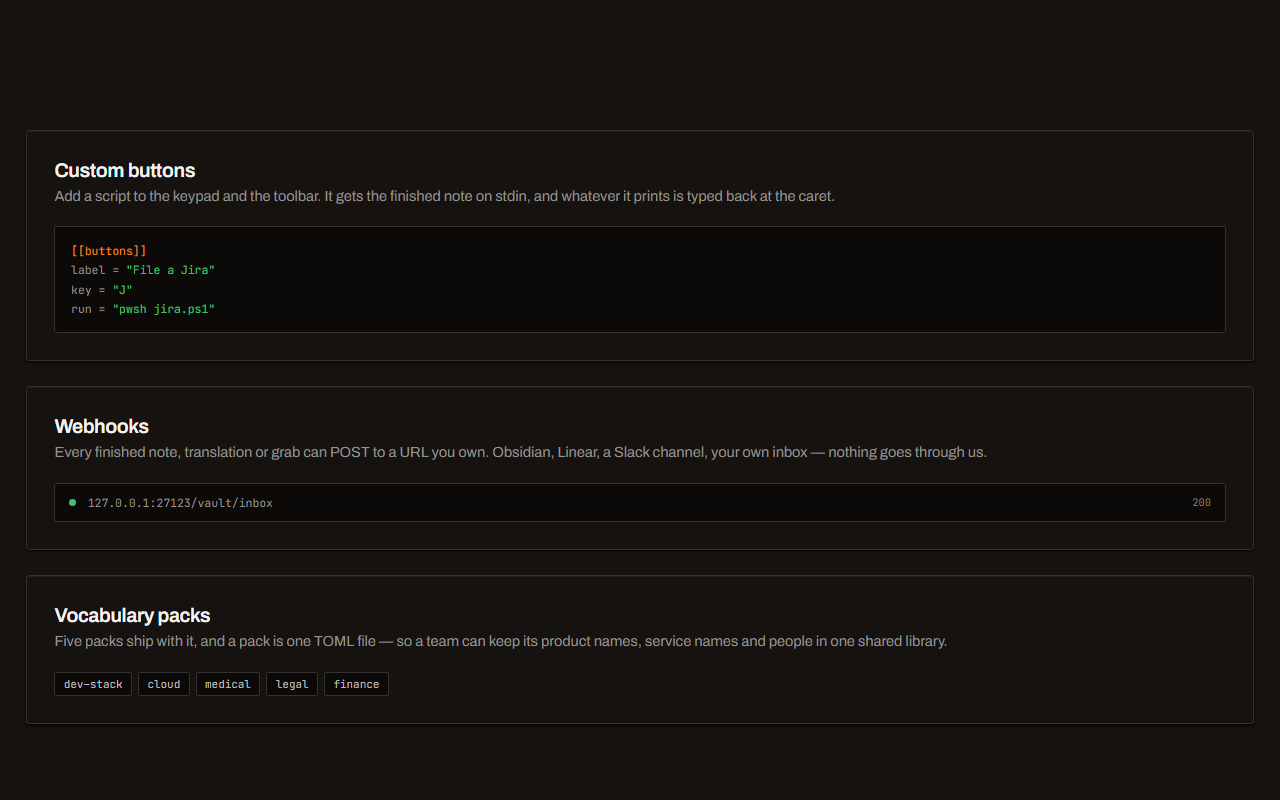
Your own buttons and workflows
Add a button to the palette: it gets the note on stdin and types back whatever it prints. Send finished notes to any URL you own. Chain steps: read the text off a screenshot, translate it, summarise it, post it.
Before you ask
Questions people search for
Which languages does Deixis support for speech to text?
Seven: English, German, Dutch, French, Italian, Spanish and Portuguese. English uses Whisper; the other six use NVIDIA's Parakeet v3. All of them run on your own computer, on Windows and on a Mac, and each was measured before it was offered.
Does Windows 11 voice typing work offline in other languages?
Not by Microsoft's account. Its support page, read on 4 November 2026, says voice typing uses online speech recognition and needs an internet connection, and no Microsoft page we read says otherwise for any language. Voice access does work offline, in English, Spanish, German, French, Italian, Chinese and Japanese.
What languages does Wispr Flow support?
Our facts file on Wispr Flow records no language list, so we do not state one; its own help pages have it. Its pages do say that every dictation is transcribed in its cloud, whatever the language, and that you need an account.
Can I dictate in two languages at once?
You choose one language at a time, and Deixis does not detect it from your voice. Switching languages inside a sentence was not measured, so we do not claim it works.
Can I use these languages on Android?
Not with 1.6, which brings the six new languages to Windows and the Mac. Android follows later, and we do not give a date for it.
Is speech to text free in every language?
Yes. Dictation in every language is free, with no account. What can cost money is cleanup by a language model, translation and meeting notes, which are free with your own provider key, or $49 a year with Deixis Pro.
Keep reading
Related pages
Parakeet v3 against Whisper, language by language
Parakeet v3 against Whisper small on FLEURS, per language: words wrong, decode time, the method in full, and what we did not measure.
Here is every byte that leaves your machine, for each tool
Every byte Deixis sends off your machine in one table, and the same table filled in for other dictation tools from their own documentation, dated.
German speech to text that stays on your computer
German voice typing that runs on your own computer: hold a key, speak German, and the text lands at your cursor in any app. Measured, free, no account.
Dutch speech to text, without the internet
Dutch voice typing that runs on your own computer, with no internet: hold a key, speak Dutch, and the text lands at your cursor in any app. Free, measured.
French speech to text that runs on your computer
French voice typing on your own computer: hold a key, speak French, and the text lands at your cursor in any app, with no internet and no account. Free.
Italian speech to text, on your own computer
Italian voice typing on your own computer: hold a key, speak Italian, and the text lands at your cursor in any app. 3.4% of words wrong, measured. Free.
What you are downloading
This is Deixis, a desktop app for Windows.
The Download button hands you a signed Windows installer, Deixis_<version>_x64-setup.exe, published by Dappit — Windows names the publisher before it runs. There is no bundled extra software and no toolbar. Deixis needs no account to install, and none of what it does on your own PC is behind a sign-up. What it runs on.
It installs for your account alone, with no administrator prompt, and starts with Windows until you switch that off in Settings → Startup. On a PC without Microsoft’s WebView2 runtime, which Windows 11 already has, the installer fetches it from Microsoft. How to uninstall it · The licence · Privacy policy · Terms of service · support@deixis-voice.com
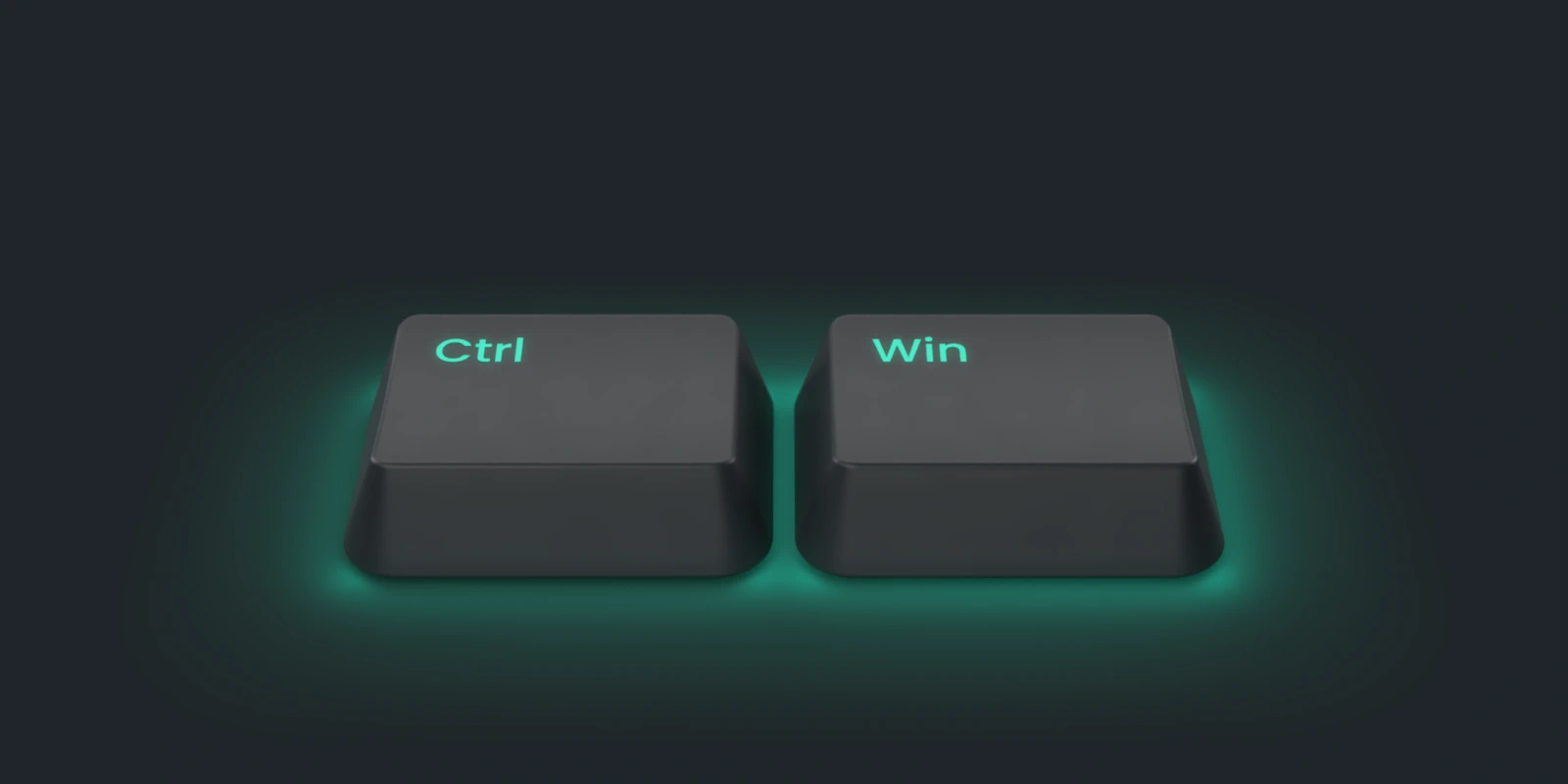
Hold a key. Speak. Keep working.
Deixis is free, needs no account, and runs on your own device. Everything on this page is in the current release.
v1.3.2 · 64‑bit Windows 10/11 on Intel or AMD · macOS 13 on Apple silicon · 51 MB · nothing else to install · also for Windows · Android on Google Play
Everything on this page about Deixis is from its documentation for the current release. Something out of date? Tell us.